Dragon Tower Defense Updates & Patch Cadence
Saturday drops at 8:00am PST, Discord tracking, and what Big Gumdrop Studios usually changes.
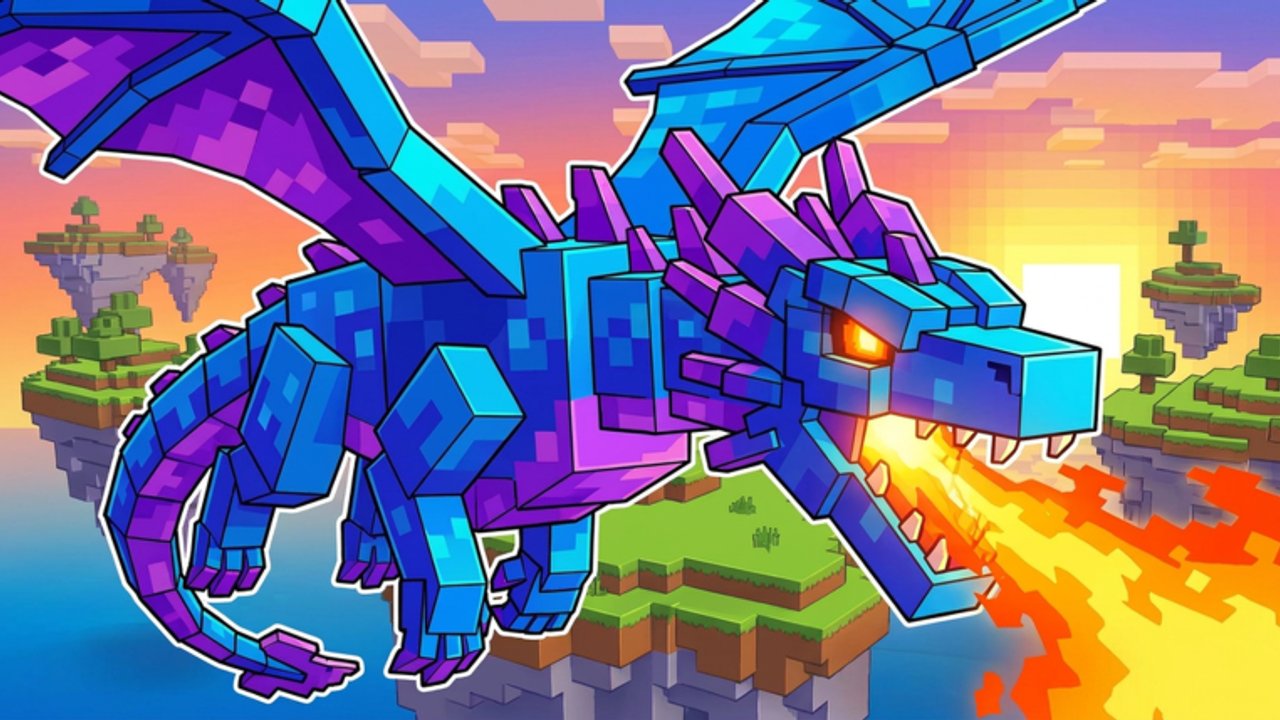
Dragon Tower Defense by Big Gumdrop Studios ships on a steady Saturday update cadence at 8:00am PST / 11:00am EST. This Updates Hub explains how to track patches, what those patches usually change, and how to adjust your codes, farming, evolution, Endless, and Nightmare plans after each drop — without waiting on a Trello that does not exist.
The game launched around 19 October 2026 and has grown past ~2.05M visits. Rapid early patches mean values, eggs, and boss tuning can move weekly. Treat Saturday as a calendar reminder: read notes, redeem new codes, then re-test your Hard farm before another Nightmare or Endless push.
14 November 2026 Saturday update
The 14 Nov 2026 Saturday window landed with a Roblox event vibe — “lots of new stuff” messaging and a live title that can show [MINIGAMES] Dragon Tower Defense. Expect minigame-flavored framing around systems such as the Mine and lobby activities, plus the usual balance and economy touch-ups that follow every weekly ship. After this patch, verify codes in Shop (including update strings like ENDLESS and any fresh like-milestones), skim Discord bullets, and confirm whether your main dragons still clear Hard at the same pacing.
Live title prefixes rotate for marketing; if you search Roblox and see [MINIGAMES] or another tag in front of the name, you are still in the correct experience — match the place ID on the Wiki / Links page when in doubt.
Systems to watch after each Saturday
- Endless weekly army rotation — enemy compositions and crystal payout pacing shift on a weekly loop; rebuild loadouts with Endless Mode in mind instead of copying last week’s wave 50 setup blindly.
- Battle Pass Season 1 — roughly 7 November through 5 December 2026, 30 tiers. Claim daily quest XP and wave XP before the season window closes; paid and free tracks both reward potions, shards, and summons that feed the rest of your week.
- Traits and talents — altar rolls and talent spends can be retuned; see Traits & Talents after notes mention shard economy or trait odds.
- Maps and difficulties — story ladder and difficulty bosses may get lane or HP tweaks; cross-check Maps & Difficulties before a fresh Nightmare climb.
- Trading — new dragons or buffs spike prices for a few hours; use Trading etiquette and wait out panic listings when possible.
How to track updates (Discord first)
Official announcements land in the Discord: discord.com/invite/W2EvwzMxqC. Join, enable notifications for announcement channels, and skim patch messages before long sessions. This wiki’s /wiki/ page also lists the Roblox place and confirms there is no Trello roadmap board — Discord plus in-game notes are the source of truth.
Secondary signals:
- New or refreshed promo codes, like-milestone unlocks, and update strings on Codes (historically candy, secret, milestone codes such as 4250LIKES, and update notes like ENDLESS).
- Shop egg rotations and potion bundle changes.
- Community chatter about Prism, Void, Fire, Candy King, or Secret egg rates — verify against official text before you panic-trade (Players).
Bookmark this Updates Hub and reread it after major seasons so your habits stay aligned with the live game.
What Saturday patches usually change
Not every week is a brand-new map. Typical patch themes include:
- Balance — dragon damage, cooldowns, talents, or evolution costs that shift tier list rankings and dragon roles.
- Economy — coin gains, potion strength, egg prices, or playtime reward pacing that affect Farm Coins & Gems.
- Content — new dragons toward the ~37 roster, map tweaks across the marketed six maps, difficulty or boss adjustments, Endless army rotation, or Battle Pass tier rewards.
- QoL and bugs — shop UI, trading reliability, Index tracking, quest text, minigame timers.
- Codes and events — limited strings that expire; redeem early via How to Redeem.
When bosses get tougher, revisit Solo Nightmare and confirm your AoE → ST evolution order on Dragon Evolution still matches the live meta.
Post-patch checklist for players
- Open Discord announcements; skim bullet lists for nerfs/buffs to your main dragons.
- Launch the game; note the live title prefix (for example
[MINIGAMES]) and claim playtime rewards plus daily/weekly quests. - Redeem any new codes, including like-milestones and update strings verified in Shop.
- Check Endless weekly army notes and Battle Pass Season 1 progress if the season is still live.
- Run one comfortable Hard clear before spending luck potions — feel the pacing.
- Update your loadout on the Tools checklists.
- Delay large trades for a few hours if a new dragon just released and prices are chaotic (Trading).
- Only then attempt Nightmare, deep Endless, or dump gem bundles.
New players should still follow Getting Started after patches; the lobby loop rarely disappears even when numbers change.
Cadence expectations
Official habit: Saturday at 8:00am PST / 11:00am EST. That is the schedule to put on your calendar — not “sometime Saturday,” and not PDT-only wording that drifts with daylight saving. Hotfixes can still land mid-week for critical bugs. If Discord goes quiet, do not invent patch notes from unverified videos. Prefer official messages, then creator guides that cite those messages.
How updates interact with trading and Index
Patches that buff a dragon spike trade demand; nerfs crash it. Index collectors should still prioritize role coverage over pure hype names. If a patch adds dragons, plan eggs for Index gaps while protecting duplicates needed for your next evolution. Fair trading rules on the Players Hub and Trading matter more during volatile weeks.
Scripts and third-party “update tools”
Be careful with executors marketed as “instant patch farms.” Account safety comes first; see Scripts. Manual play plus codes plus Discord awareness is enough for normal progression.
Using this hub long-term
As the wiki grows, individual patch pages can live under updates/ as child articles. Until then, this hub is your ritual page: Saturday 8:00am PST → Discord → codes → Endless/Battle Pass check → test clear → adjust evolution and Nightmare plans → trade carefully. Combine it with the Guides Hub whenever systems change enough to rewrite day-one advice — especially Endless Mode, Traits & Talents, and Maps & Difficulties.
Stay patch-aware and your coins, eggs, and clears stay efficient. Ignore the cadence and you will evolve the wrong dragon the week it gets nerfed — or miss the code that paid for the right one.
Frequently Asked Questions
Quick answers to the most common questions.
How often does Dragon Tower Defense update?
Big Gumdrop Studios typically updates every Saturday at 8:00am PST / 11:00am EST, with occasional mid-week hotfixes for urgent bugs.
What changed on 14 November 2026?
The Saturday patch carried a Roblox event vibe with lots of new stuff messaging, and the live title can show [MINIGAMES] Dragon Tower Defense. Re-check codes, Endless rotation, and Discord notes after the drop.
Where are patch notes posted?
Primarily in the official Discord. This wiki links Discord and the Roblox place on the Wiki / Links page. There is no Trello board.
What should I do right after a Saturday patch?
Read Discord notes, redeem new codes, claim rewards, check Endless army rotation and Battle Pass Season 1, run a familiar Hard clear, then update loadouts and trades before Nightmare attempts.
Do updates change codes?
Often. New promo strings, like-milestone unlocks, and update codes such as ENDLESS appear while old ones expire. Check the Codes Hub and redeem guide whenever Discord announces promos.
Should I trade immediately when a new dragon drops?
Wait until early hype settles unless you truly need the role. Volatile Saturday prices punish panic buys — see the Players Hub and Trading guide.